


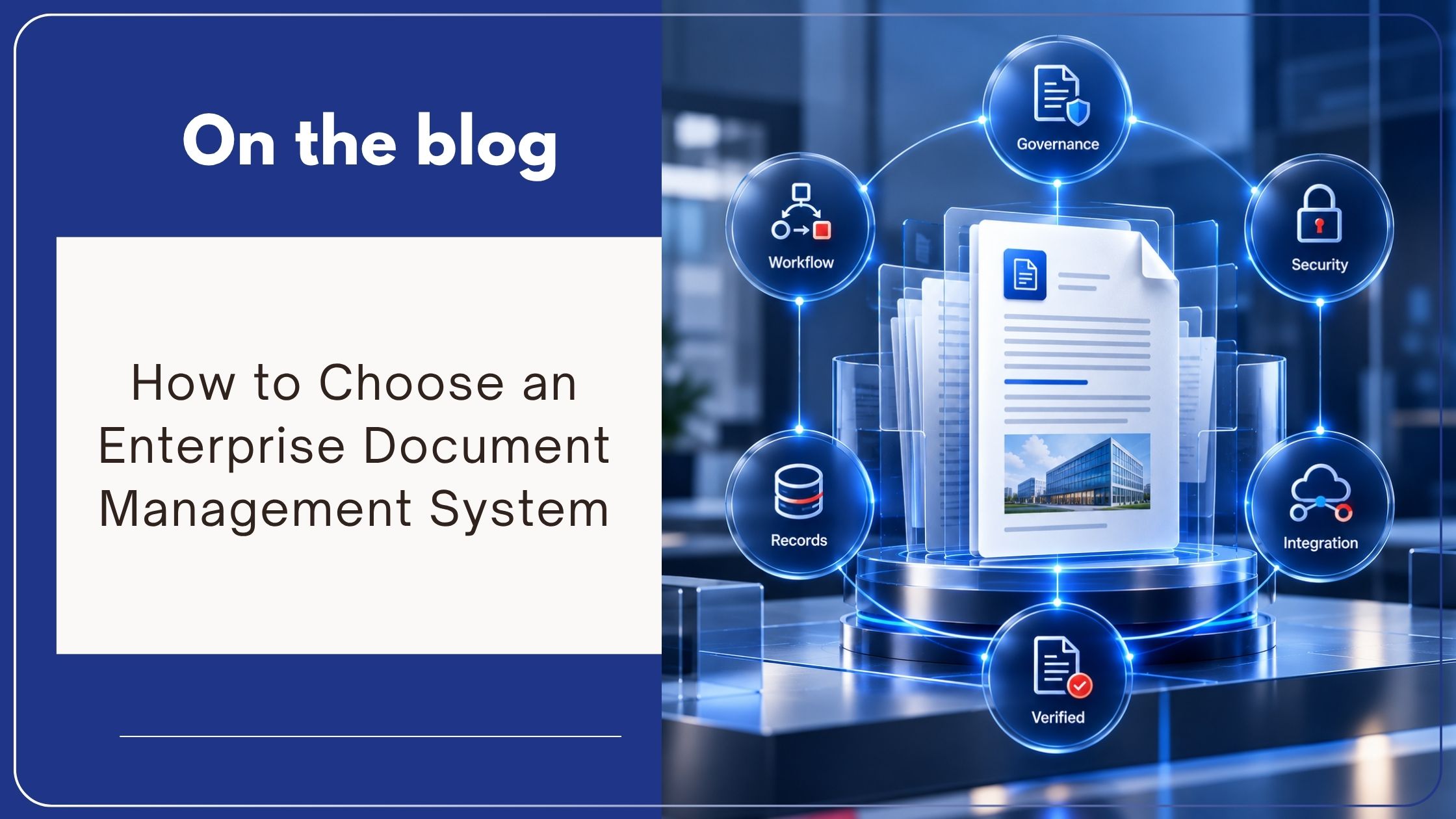
How to Choose an Enterprise Document Management System
Choosing an enterprise document management system is not a file-storage decision. It is a decision about how the organization will control information, enforce accountability, execute document-dependent processes, and demonstrate what occurred when scrutiny increases.
A platform may store documents and still leave the organization exposed to uncontrolled versions, unauthorized access, incomplete audit histories, inconsistent retention, and delayed approvals.
The right enterprise document management system must do more than centralize files. It must establish a controlled environment for managing information and the business processes connected to it.
Begin With Business Risk, Not a Feature List
Many evaluations begin by comparing long lists of product capabilities. This approach encourages buyers to treat every feature as equally important without determining which operational problems the system must resolve.
The evaluation should begin with specific risks and business requirements:
- Where is critical information currently stored?
- Which processes depend on documents moving between employees or departments?
- Where do approvals, reviews, and handoffs become delayed?
- Which records must remain traceable for audits or investigations?
- Who should be permitted to access, modify, approve, or dispose of information?
- Which existing systems create, use, or depend on documents?
- Where does the organization lack visibility or accountability?
These questions define the required operating model. Features should then be evaluated according to whether they establish the necessary control.
Determine Whether the System Provides Governance or Storage
Cloud storage and shared drives provide convenient places to save and share files. They do not automatically establish enterprise document governance.
An enterprise document management system should maintain identifiable ownership, controlled versions, structured metadata, access permissions, document history, retention requirements, and traceable actions.
The distinction is important. Storage answers where a file is located. Governance answers whether the file is authoritative, who controls it, who accessed it, what changed, which policy applies, and what action must occur next.
As explained in Enterprise Document Management vs Cloud Storage, enterprise document management governs information throughout its lifecycle rather than functioning as another file repository. computhink.com
Any system under consideration should demonstrate how governance operates during everyday work, not only how documents are uploaded and retrieved.
Evaluate Information Structure and Retrieval
Employees need to locate the correct document without already knowing its filename or folder location.
A strong enterprise document management system should support structured document types, metadata, indexing, full-text search, OCR, and relevant filtering. These capabilities give information business context and allow users to retrieve documents according to customer, project, department, date, status, owner, or another operational attribute.
Search quality also depends on permission enforcement. Users should retrieve the information required for their responsibilities without gaining visibility into restricted content.
During evaluation, test realistic searches using the organization’s own terminology and document types. A polished demonstration using perfectly named sample files does not prove that the platform will perform effectively within a complex information environment.
Examine Version Control and Document Authority
An organization cannot maintain operational consistency when employees cannot determine which document version is current.
The selected system should preserve revision history, identify the current version, record changes, and prevent outdated copies from competing with approved information during routine work.
Version control should also support accountability. Leaders need visibility into who changed a document, when the change occurred, and how the document reached its current state.
This requirement affects policies, contracts, procedures, engineering documents, quality records, customer files, and every other document whose status influences business activity.
A vendor should demonstrate version control using a complete scenario, including creation, revision, review, approval, publication, and retrieval of historical versions.
Test Access Control at the Required Level
Enterprise document security requires more than passwords and login access.
The system should allow permissions to reflect organizational roles and legitimate business responsibilities. Depending on the document type, control may be required over viewing, editing, annotating, approving, printing, downloading, sharing, or administering information.
Buyers should assess whether access rights remain manageable as departments, locations, roles, and document volumes expand. A permission model that works for one team may become difficult to govern across the enterprise.
Audit trails should record relevant document activity so that authorized leaders can determine who accessed or changed information. Secure document management depends on controlled access and traceable use, not simply encrypted storage. computhink.com
Evaluate Workflow as an Operational Control
Documents frequently require action. They must be reviewed, approved, updated, acknowledged, escalated, signed, or routed to another employee.
A suitable enterprise document management system should connect documents with controlled workflows that establish task ownership, approval sequences, notifications, deadlines, escalations, and process status.
The purpose is not automation for its own sake. The system should reduce dependence on email follow-ups, spreadsheets, and individual memory while creating predictable and accountable execution.
Ask the vendor to demonstrate an actual business process from initiation to completion. The demonstration should show what happens when an action is completed, rejected, reassigned, delayed, or left overdue.
A workflow that functions only when every step proceeds normally does not address the conditions that create operational exposure.
Assess Records Management and Audit Readiness
Document management and records management are connected but distinct requirements.
Not every working document is an official record. Once information becomes a record, the organization may need to apply defined retention, archival, legal hold, review, and disposition requirements.
The platform should allow these controls to operate consistently according to document type, metadata, policy, or lifecycle stage. It should also preserve evidence of approvals, modifications, access, and other relevant actions.
Audit readiness depends on the organization’s ability to produce accurate, complete, and traceable information without reconstructing activity from emails and disconnected systems. A structured DMS should create that evidence through routine operations. computhink.com
Regulated organizations should validate the platform against their own legal, regulatory, contractual, and internal policy requirements. No software selection eliminates the organization’s compliance responsibilities.
Confirm Integration With Existing Business Systems
Enterprise documents rarely originate in one application.
They may be created or used within ERP, CRM, accounting, HR, email, productivity, line-of-business, or customer-service systems. Selecting a DMS without evaluating these relationships risks creating another isolated repository.
The system should support appropriate integration methods and allow documents, metadata, and process activity to remain connected with existing business operations.
Integration requirements should be defined before vendor selection. Buyers should identify which systems need to exchange information, what data must move, which application remains the authoritative source, and how access and traceability will be preserved.
Contentverse, for example, supports integrations intended to connect governed documents and workflows with existing business applications rather than separating document control from daily operations. Contentverse By Computhink
Evaluate Scalability Beyond Document Volume
Scalability is not limited to storing more files.
An enterprise document management system must also support additional users, departments, locations, document types, workflows, integrations, security requirements, and records policies without creating inconsistent control.
The evaluation should consider:
- Whether different departments can use appropriate information structures
- How permissions are administered at scale
- Whether workflows accommodate changing approval hierarchies
- How reporting operates across processes and locations
- Whether performance remains dependable as usage increases
- How the platform supports future integrations and information requirements
A system that satisfies one department but cannot support wider governance will eventually reproduce the fragmentation it was selected to eliminate.
Review Deployment, Administration, and Continuity
The deployment model should align with the organization’s infrastructure, security responsibilities, availability requirements, and internal capabilities.
Cloud, on-premise, and hybrid environments create different operational responsibilities. Buyers should evaluate data location, backup, recovery, system availability, updates, authentication, administrative control, and technical support.
The question is not which deployment model is universally superior. It is which model supports the organization’s risk profile, operating requirements, and IT strategy.
Business continuity must also be tested. Leaders should understand how authorized users will access critical information during infrastructure failures, remote operations, or other disruptions.
Evaluate the Vendor, Not Only the Software
An enterprise DMS becomes part of the organization’s operational infrastructure. Vendor experience, implementation methodology, training, support, and long-term product development therefore matter.
Buyers should examine whether the vendor understands document governance and business processes, not simply software configuration.
Ask how requirements are gathered, how existing information is migrated, how permissions and metadata are validated, how users are trained, and how post-implementation support operates.
A technically capable platform can still underperform when implementation lacks governance ownership, process understanding, or adoption planning.
Use a Business Scenario to Make the Final Decision
The most reliable evaluation uses a representative process from the organization.
Provide shortlisted vendors with a controlled scenario involving real document types, metadata, access roles, version requirements, approvals, exceptions, reporting, and retention expectations.
Then assess whether each system can:
- Establish the correct document context
- Protect information according to responsibility
- Route work through defined stages
- Identify pending or overdue actions
- Preserve a traceable history
- Retrieve the correct document efficiently
- Produce evidence of process execution
This approach reveals how the platform operates under business conditions. It also prevents the selection from being dominated by attractive interface elements or isolated features that do not resolve the organization’s actual risks.
How Contentverse Supports Enterprise Requirements
Contentverse is an enterprise document management and business process management platform designed to connect governed information with controlled operational processes.
It provides a centralized, organized environment for managing metadata, document versions, access permissions, workflow, notifications, audit trails, search, records retention, reporting, and integrations.
These capabilities allow organizations to structure information according to their operating requirements while maintaining accountability throughout document and process activity. The platform supports cloud, on-premise, and hybrid deployment approaches, allowing organizations to align implementation with their infrastructure strategy.
The relevant question is not whether Contentverse contains a long list of capabilities. It is whether those capabilities can be configured to resolve the organization’s specific governance, process, security, and information-management requirements.
Select for Control, Not Convenience Alone
The easiest system to purchase is not necessarily the right system to govern enterprise information.
Organizations should select an enterprise document management system according to the control it establishes over information, access, versions, workflows, records, and accountability.
The right platform should reduce fragmentation, strengthen operational visibility, support predictable process execution, and preserve evidence of what occurred.
A successful DMS selection does not begin with, “Where will we store our documents?”
It begins with, “What control must the organization maintain over its information and the work connected to it?”
Evaluate Contentverse against your organization’s document governance, workflow, integration, and operational-control requirements.
FAQ / People Also Ask
What is an enterprise document management system?
An enterprise document management system is a platform for organizing, securing, governing, retrieving, routing, and retaining business documents across departments, processes, and locations.
How do I choose an enterprise document management system?
Begin by defining information risks, business processes, access requirements, records obligations, integrations, deployment needs, and scalability expectations. Then evaluate platforms using representative business scenarios.
What features should an enterprise DMS include?
Core requirements commonly include metadata, search, OCR, version control, access permissions, workflow, notifications, audit trails, records retention, reporting, and integration capabilities. The required configuration depends on the organization’s operations and risk profile.
What is the difference between a DMS and cloud storage?
Cloud storage primarily provides file storage and sharing. An enterprise DMS adds structured governance through metadata, version control, permissions, workflows, audit trails, retention, and lifecycle management.
How should businesses compare document management vendors?
Compare vendors on governance capability, workflow flexibility, security, integration, scalability, implementation approach, training, support, deployment options, and performance against realistic business scenarios.
Why is workflow important in a document management system?
Workflow connects documents with required business actions. It establishes routing, ownership, approvals, notifications, escalation, status visibility, and traceability.
Can an enterprise DMS support compliance?
An enterprise DMS supports compliance efforts by strengthening access control, version integrity, records retention, workflow accountability, and audit evidence. The organization remains responsible for defining and maintaining applicable compliance requirements.
Should a DMS integrate with ERP and CRM systems?
Yes, when those systems create or use business documents. Integration reduces information silos and connects governed documents with the operational context in which employees use them.
What should be tested during a DMS demonstration?
Test document capture, metadata, search, permissions, versioning, workflow routing, exception handling, audit history, reporting, retention, and integration using a representative business process.